Ping
A downloadable game
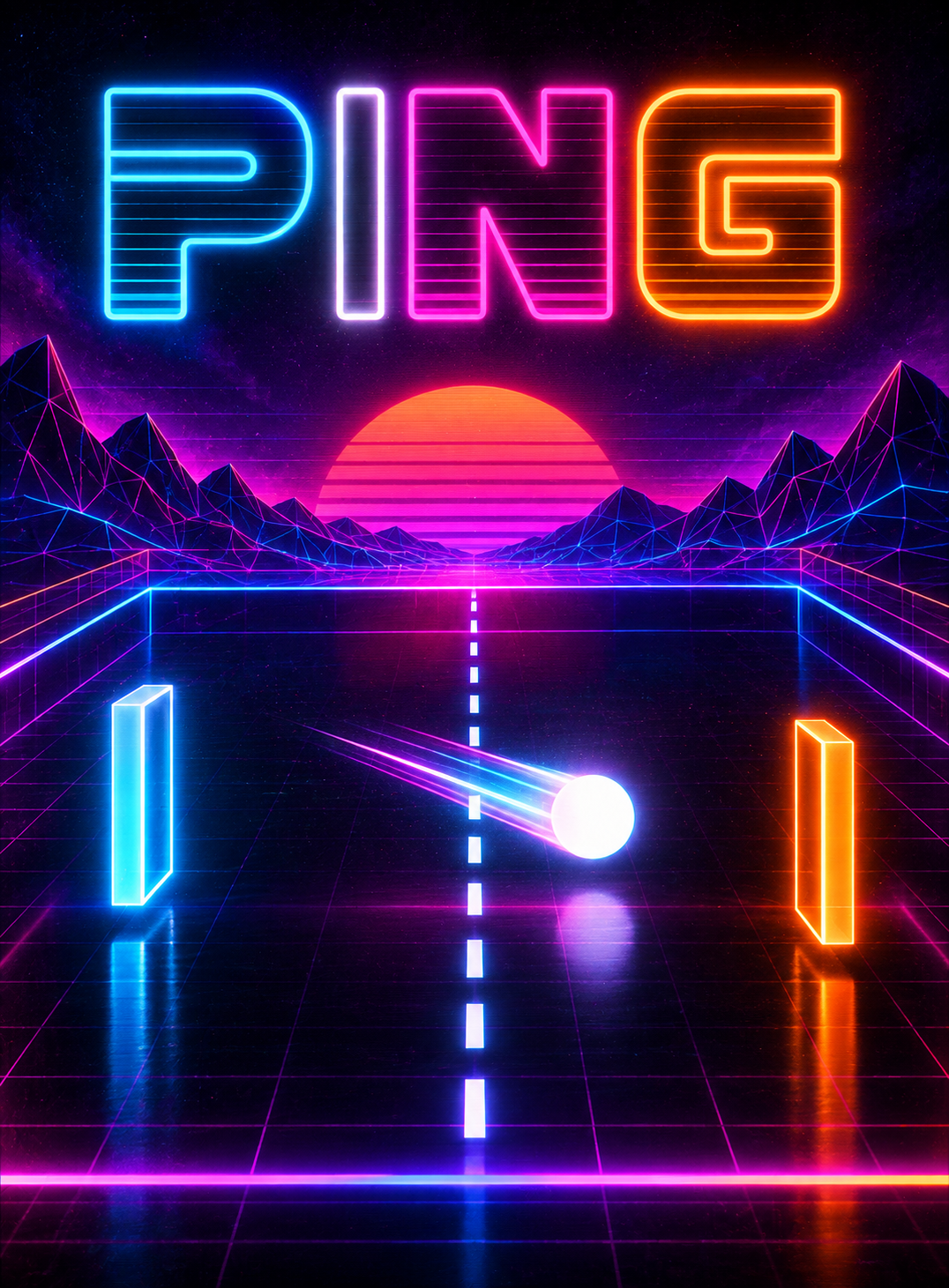
Ping is a fast, neon-soaked tribute to the very first arcade classics. Two paddles, one ball, and a simple rule: the first to 11 points wins.
- Play solo against the console, or with a friend on the same screen
- Retro synthwave look and soundtrack
- Free, with no ads and no in-app purchases
Ping runs on PlayPi, a free and open-source games console that turns a Raspberry Pi into a retro and indie console.
Download
Install instructions
Which file do I need?
| File | Console | Raspberry Pi |
|---|---|---|
ping.plpi | PlayPi | Pi Zero, 1, 2 and 3 |
ping.splpi | Super PlayPi | Pi 4 and 5 |
A PlayPi game does not run on Super PlayPi, and vice versa.
How to install
- Install PlayPi on a microSD card: download the image for your Raspberry Pi from playpi.games/download and flash it with balenaEtcher.
- Boot the console once so it can prepare the card.
- Insert the microSD card into your computer, open the drive called
data, and copyping.plpiorping.splpiinto itsgamesfolder. - Put the card back into the Raspberry Pi: Ping appears in the menu.
Any USB or Bluetooth controller works. No controller? The free PlayPi Pad app turns an Android phone (Android 9+) into a Bluetooth controller: get it on playpi.games/download.
Licence
The game's code is free software under the GNU GPL v3. Its images, sounds and covers are under CC BY-ND 4.0: you may copy, reprint and sell them unmodified. Source code, printable covers in 6 languages and resources are available on playpi.games.
Published by Association Drisckiou, a French non-profit. Questions: support@playpi.games
Leave a comment
Log in with itch.io to leave a comment.